From your answers to your website online.
You talk about your business, BeeVitrine writes and lays out, you edit as much as you want. You only pay when you put it online.
Three steps, and only the last one is paid
 1Free
1FreeYou talk about your business
Its name, its neighborhood, your trade, then a few questions specific to your business. Your prices and photos if you have them. You can also start from a text you already wrote, such as your Facebook page or a flyer. Everything can be completed later.
 2Free
2FreeYou edit until you like it
Change a text, a photo, your colors or the design of any section, as many times as you like, without paying anything. Plus two whole new layouts free per website.
 3First payment
You publish
You choose your plan and pay its first month by card. Your site goes live as soon as the payment is confirmed.
Step by step, in detail
- 1
You answer the questions of your trade
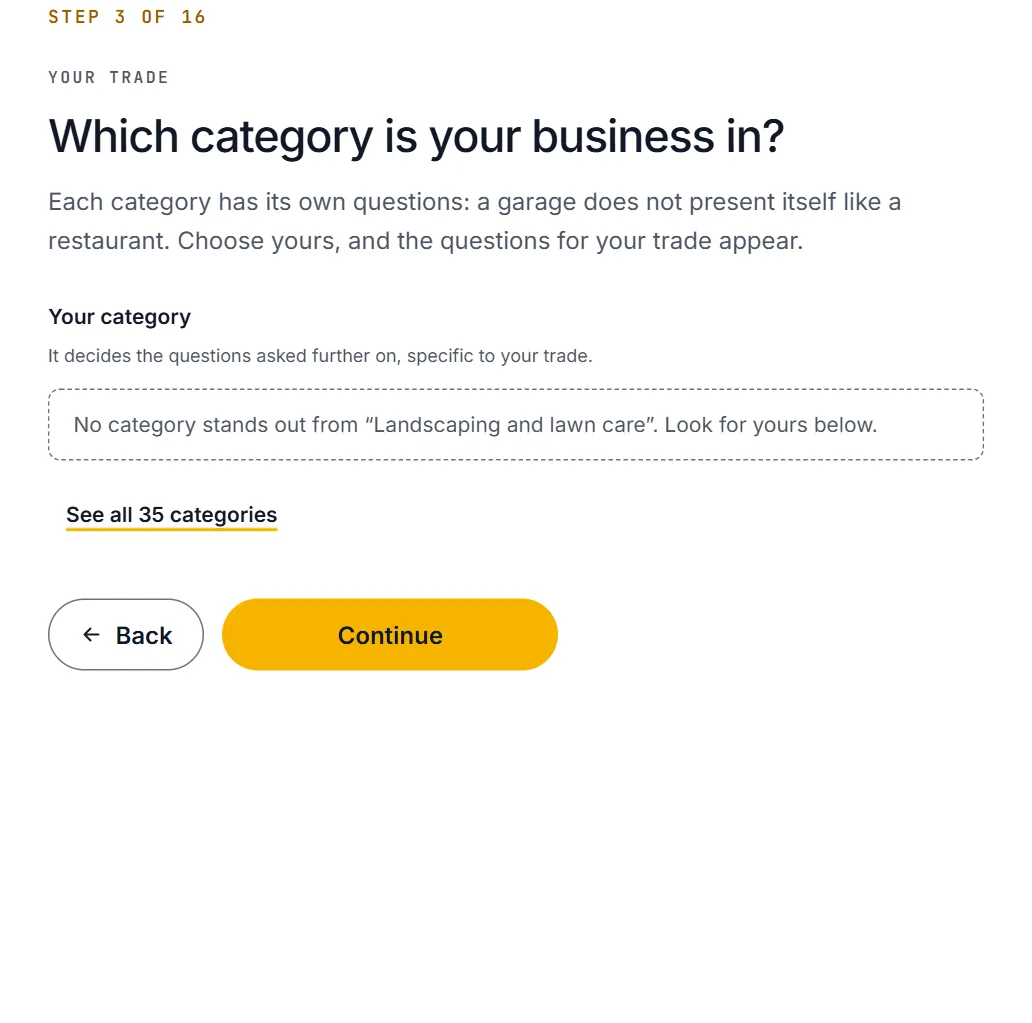
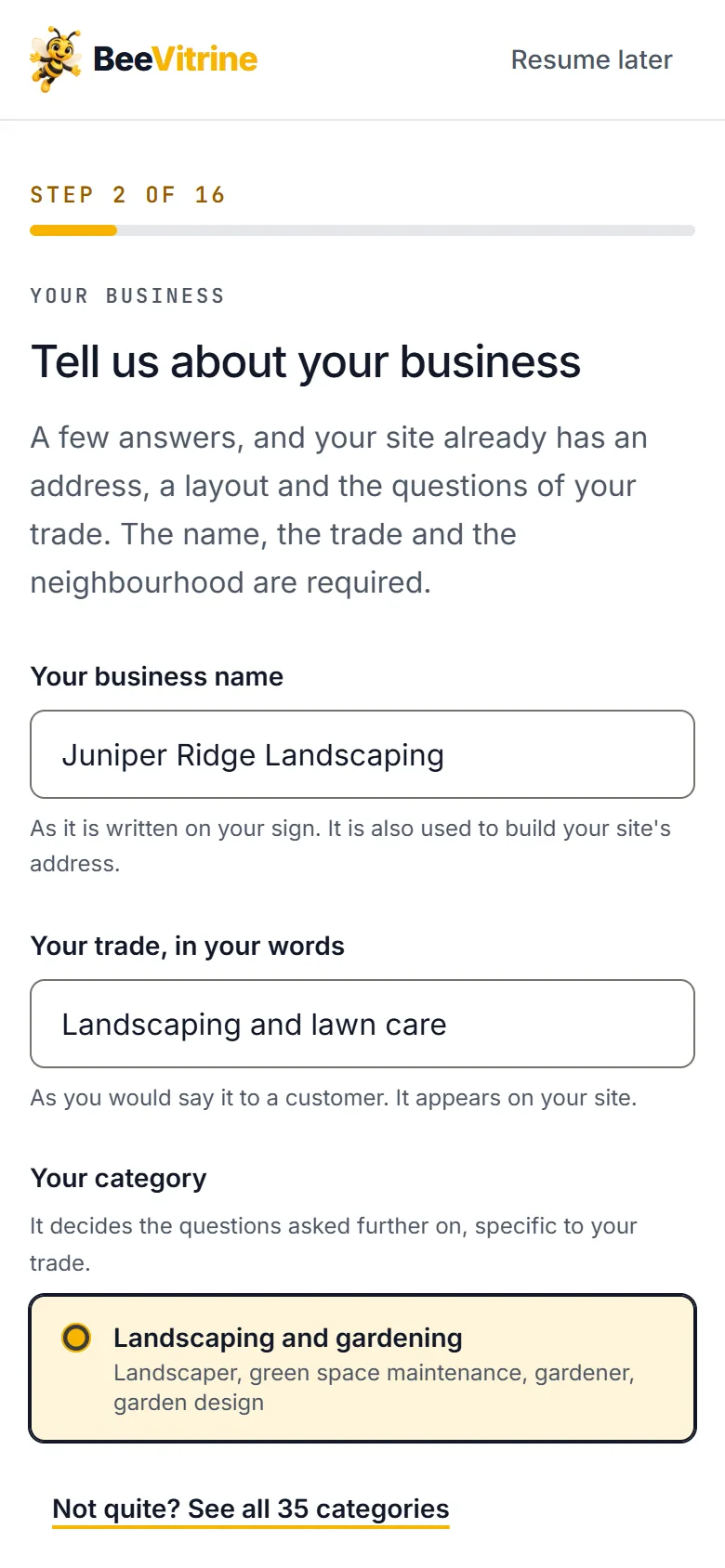
You start with your trade: BeeVitrine suggests the matching category, out of thirty-five. The questions that follow belong to that category: a restaurant does not answer a garage’s questions.
- The express path fits in five screens
- Your prices, your photos, your Google rating if you have them
- Your site in French or in English
- 2
BeeVitrine writes and lays out
Your answers become the website’s texts, page by page. A check refuses any price, review or figure you did not give. The pages are those of your trade: at least home, your offer, about, frequent questions and contact.
- Your photos at the top, then in the gallery
- Elsewhere, photos of your trade, reviewed before being chosen
- A layout no other website in your account shares
- 3
You edit, for free
Nothing is online: you look at your website on phone and desktop, and change what does not suit you. A text, a photo, opening hours, your business’s color.
- Another design for one section, without touching the rest
- A text rewritten with your instruction
- Two free new layouts per website, more with a plan
- 4
You put it online
A quality check reviews the page before it goes live and tells you what is left to fix. On your first click on “Publish”, you choose your plan and pay its first month by card. The site goes live as soon as payment is confirmed.
- An address in your name: your-business.beevitrine.com
- Ready for Google: address, opening hours, area, frequent questions
Questions made for your business, not one more form
A restaurant does not have the same things to say as a law firm. Choose your category: the questions change, and your answers become your site's texts.
- A garage says which brands it knows best and whether it does breakdown repairs.
- A hotel says its rooms, its services and whether it hosts seminars.
- A clinic says its specialities, its emergencies and the insurance it accepts.
And once the website is online
You edit whenever you want
A new price, new hours, a new photo: the change goes back online in under a minute, at no cost.
Your customers write to you
The website’s button opens WhatsApp with a message already filled in. Without WhatsApp, a callback form takes its place and every request lands in your workspace.
Your website does not change without you
An online website is frozen: a BeeVitrine update changes neither its pages nor its layout. Only your edits change it.
A payment link, no direct debit
Before each due date, you receive a payment link. Nothing leaves your account without you, and you can stop with a simple message.
What people ask us before they start
And if the answer is not here: create your site, it is free, and have a look.
Try it rather than read about itIs creating my site really free?
Yes, with no time limit and no payment method to give. You create your site, look at it, change it as much as you like. As long as it is not online, you pay nothing.
Will I get lost?
No. You answer questions, one per screen, with examples from your trade. The express path fits in five screens; the rest can be completed whenever you like, from your space.
When do I pay?
On your first click on “Publish”. You then choose to pay monthly or yearly, and you pay that first month or first year. Even if you publish the day you sign up, that is when billing starts, and not before.
Can I edit my site after it goes online?
Yes, at any time and at no cost. Each change goes back online in under a minute: a new price, a new opening time, a new photo.
My business speaks English. Can the site too?
Yes. Choose English when you create it: texts, buttons, hours and page addresses are written in English, and prices show in your country’s currency.

One form. One click. Your site online.
Create your site for free, look at it, change what you do not like. You only pay when you decide to put it online, and we handle everything else.
No payment method to create · No commitment